If you click on the
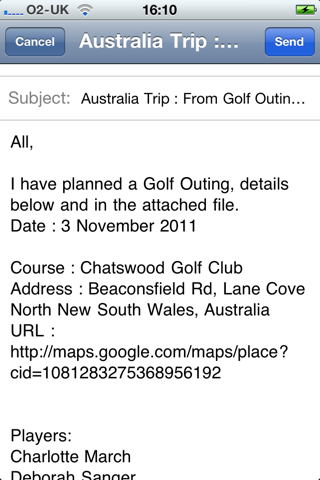
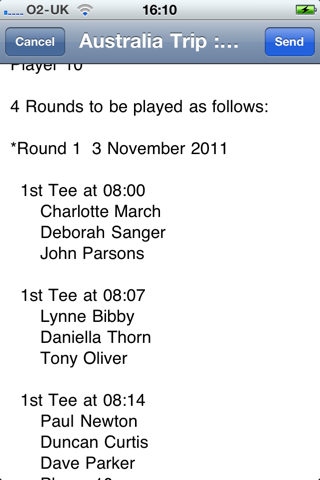
 button on the Edit Outings page, the app produces a full textual description of the outing and prepares an email to the players based upon the email addresses in your Contact List.
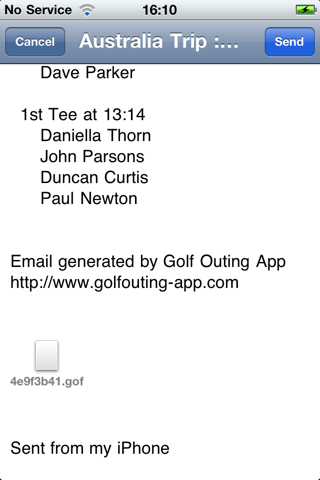
The App also attaches a Golf Outing file, which the recipients can open in Golf Outing, but it will be “read only”.
Example screen shots are shown below:
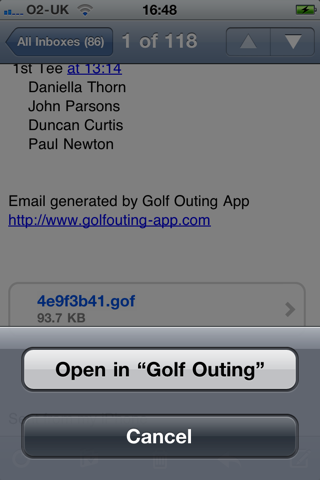
When you receive such an email on your iPod/iPhone you simply press and hold the file icon and you will be asked if you want to open the file in Golf Outing (see above).
Once opened this way, the file is added to the Outings page.