on the Edit/View Outing screen.
This page displays the result of the pairings for the rounds, based on the configurations chosen on the Edit outing page.
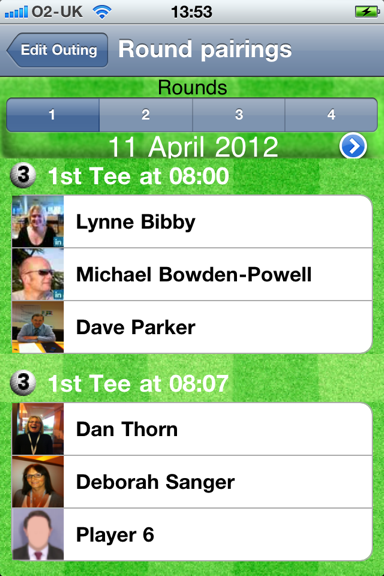
At the top of the page is a selector, where you select which round of play to show.
The date below the selector is the date upon which the selected round is played.
Following this is a scrollable list of who Tee’s of from which Tee, in a group at which time.
To return to the Edit/View Outing you tap the back “Edit Outing button:.
Changes you make on the Edit Outings page immediately impact the pairings, so for instance if I changed the Outing as shown below:
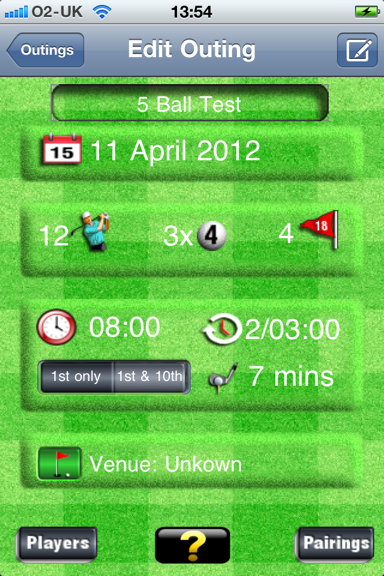
ie The Group mix is now 2x 3 Balls, using the first and 10th Tees and 5 hours between rounds on going back to the pairings page I would see:
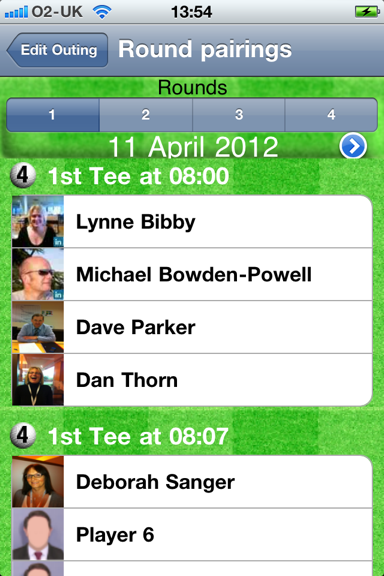
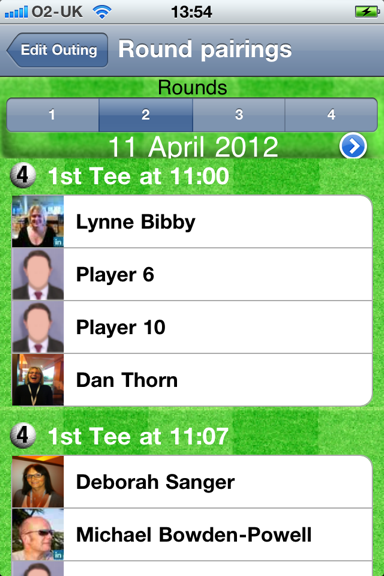
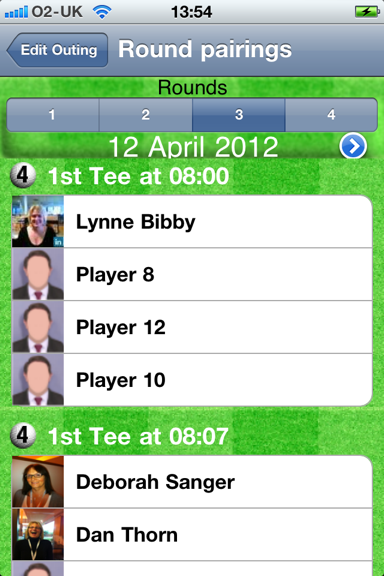
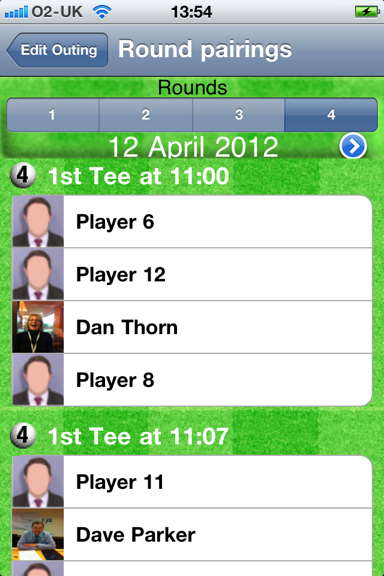
When you’re done, tap the “Edit Outing” button to return to the Edit Outing page.
Additional information on the pairings is available by tapping the
 button.
 This gives you statistics on each player, in terms of who they played with and how many times.
Examples are shown below:
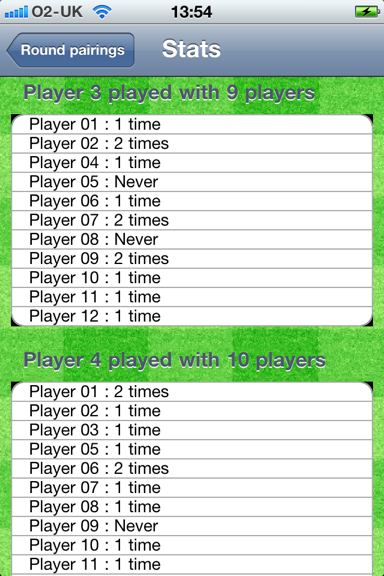
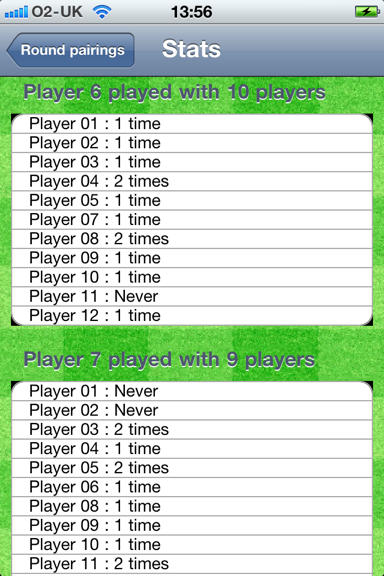
Tapping “Round Pairings” takes you back the the Pairings View screen.