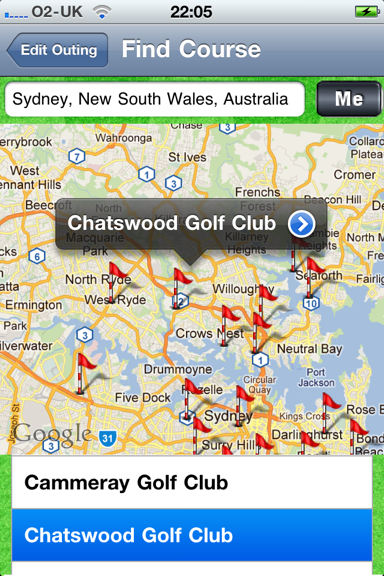
The Course detail page is enteredfrom the Course Finder page, where you have selected to see detail on a course, eg from below:
The Course detail page provides you with access to a relevant web site, containing an outline of the course and links to further information:
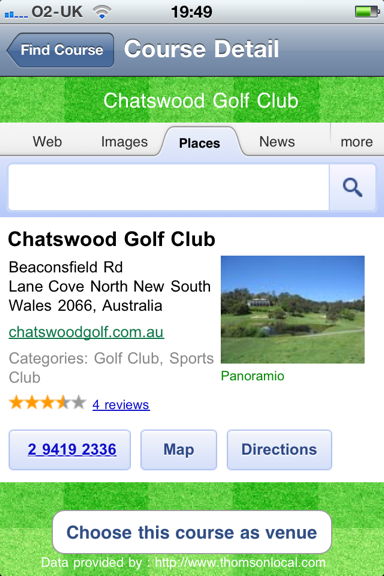
As this is a browser window you can follow the links etc.
When you move to other pages a small back button appears at the top left of the web view so you can navigate back.
If you wish to choose the course as the venue you click the button at the bottom of the screen, this allocates the course to the outing and takes you back to the Edit Outing page.
Otherwise you can tap the “Find Course” back button to return to the Find Course page.