The Players page is reached from tapping the Players button
 on the Edit/View Outing screen.
This lists the current players for the outing, when you create a new outing a set of default players are created as shown below.
The number of players is consistent with the number selected fro your Outing.
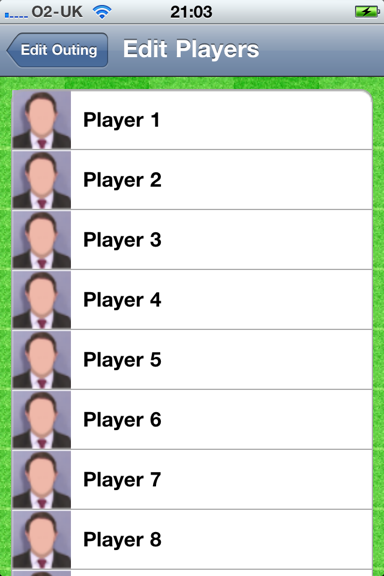
If you tap on a Player, your Contact list is shown. When you choose a contact this persons name and photo (if set) replaces the player , eg below:
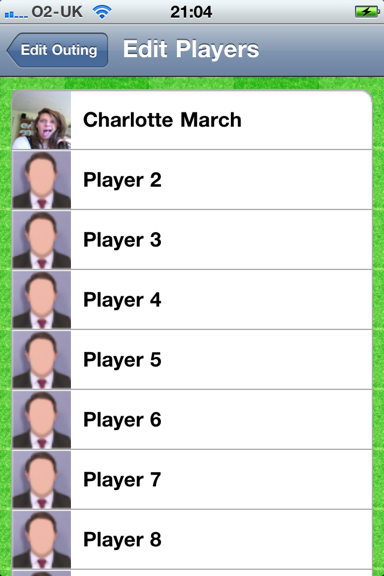
The same process can then be repeated for each player, or you can change an allocated player in the same manner.
When you’re done, tap the “Edit Outing” button to return to the Edit Outing page.